
This page answers: with no cloud copy, what happens if your computer dies, where your backups should go, and what to do before you change computers.
If your computer dies, is your data safe?
Only if you have a backup. We keep no cloud copy. If your computer breaks and there is no backup, the data cannot be recovered. RelaySolo makes local backups you can keep on an external drive, and reminds you when one is due. Each backup includes your original files by default, along with the database.
Why backup is up to you
Your clients, emails, quotes, price lists and AI memory are stored on your own computer, not in the cloud and not on our servers. Sensitive items such as API keys and mailbox passwords are stored encrypted. The app only contacts our servers to check for updates and download installers, and the update check sends no identifiers. Your data is not on our servers. Details are on where your data lives.
The upside is that your data stays in your hands. The cost is that if it is lost, we have no copy either.
How RelaySolo backs up
- Local backups made on your computer
- Original files included by default
- Can also go to a second place, such as an external drive, a NAS or S3
- Reminders in the app
What a backup includes
By default, each backup has two parts:
Original files. The files in this company's library, and the catalogs, certificates and contracts you added to your files.
The database. Client pages and history, AI chats, emails, inquiries and quotes, AI memory, items to confirm, logs, indexes and settings.
Files that are the same as in the last backup take no extra space.
What it does not include
Other companies. Each company is backed up separately. There is no single backup of every company yet. If you have several companies, back up each one.
If you turn off original files, the backup holds only the database, and you keep the originals yourself. See below.
What is encrypted
In a local backup, the database and original files are plain copies. Only secrets such as API keys are encrypted, with your backup passphrase. A backup sent to a second place (an external drive, a NAS, S3 and the like) is encrypted as a whole.
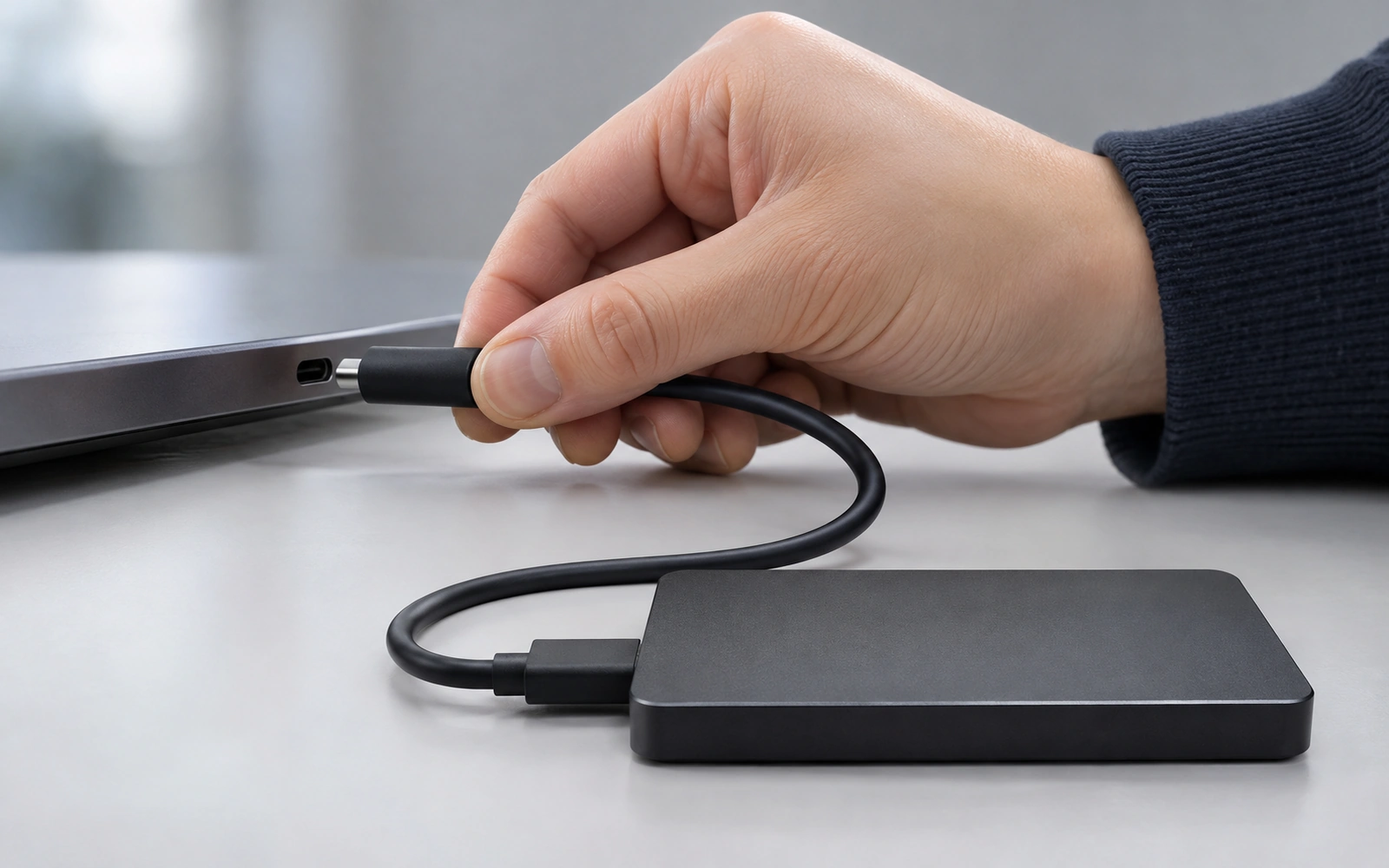
Original files are backed up by default
Catalogs, certificates, contracts and other original files go into every backup by default. You don't need to copy them separately.
To leave them out, turn off the backup settings (the option for original files). The backup then covers only the database, and you need to keep the originals yourself, for example on an external drive. When they change, copy them again.
Before you change computers
Your data is stored on your own computer. Before you change computers, make a local backup on the old one; it includes original files by default.
You can also export a company as a whole folder and copy it to an external drive. If you have several companies, export each one. That way you keep a full copy of each company yourself.
If original files were turned off in your backups, copy the originals you kept yourself as well.
RelaySolo runs on Windows and Mac. More questions are answered in the FAQ.
Good habits that apply anywhere
None of this is specific to RelaySolo. It works for any data you can't afford to lose.
3-2-1
Keep at least 3 copies: the one on your computer plus 2 backups. Use 2 different kinds of storage. Keep at least 1 away from where you work.
Don't rely on one drive
External drives fail and get lost too. If it sits in the same bag as your laptop, one theft takes both.
Check the date
Now and then, check when your last backup ran. After sending an important quote, run one.
Run a backup before you switch computers or travel.
Related questions
Backups do not cover what is sent when the AI is used; that is explained on AI models and keys. For connecting your own Claude or ChatGPT, see use it in Claude or ChatGPT.
With your data safe, the next step is putting it to work. A few guides: when a buyer goes quiet, how to reply to a new inquiry and how to write a quotation email.